Jason Unck
Lord of the Rings: Heroes of Middle-earth logo

Deep Upgrades.
Zero Regret.
Glyphs and Relics hero

Role

Lead UX — Glyphs & Relics

Owned the UX process and interaction models from pre-production through launch. PC and mobile.

Responsibilities

Problem definition

Audience analysis

Player verbs

Player paths

Information architecture

Wireframes

Motion target critiques

Team

6 Eng · 1 GD · 1 PM · 2 Art · 1 UX Dir · 1 Audio

Date

November 2023

The Problem

Progression had a ceiling.
Players had hit it.

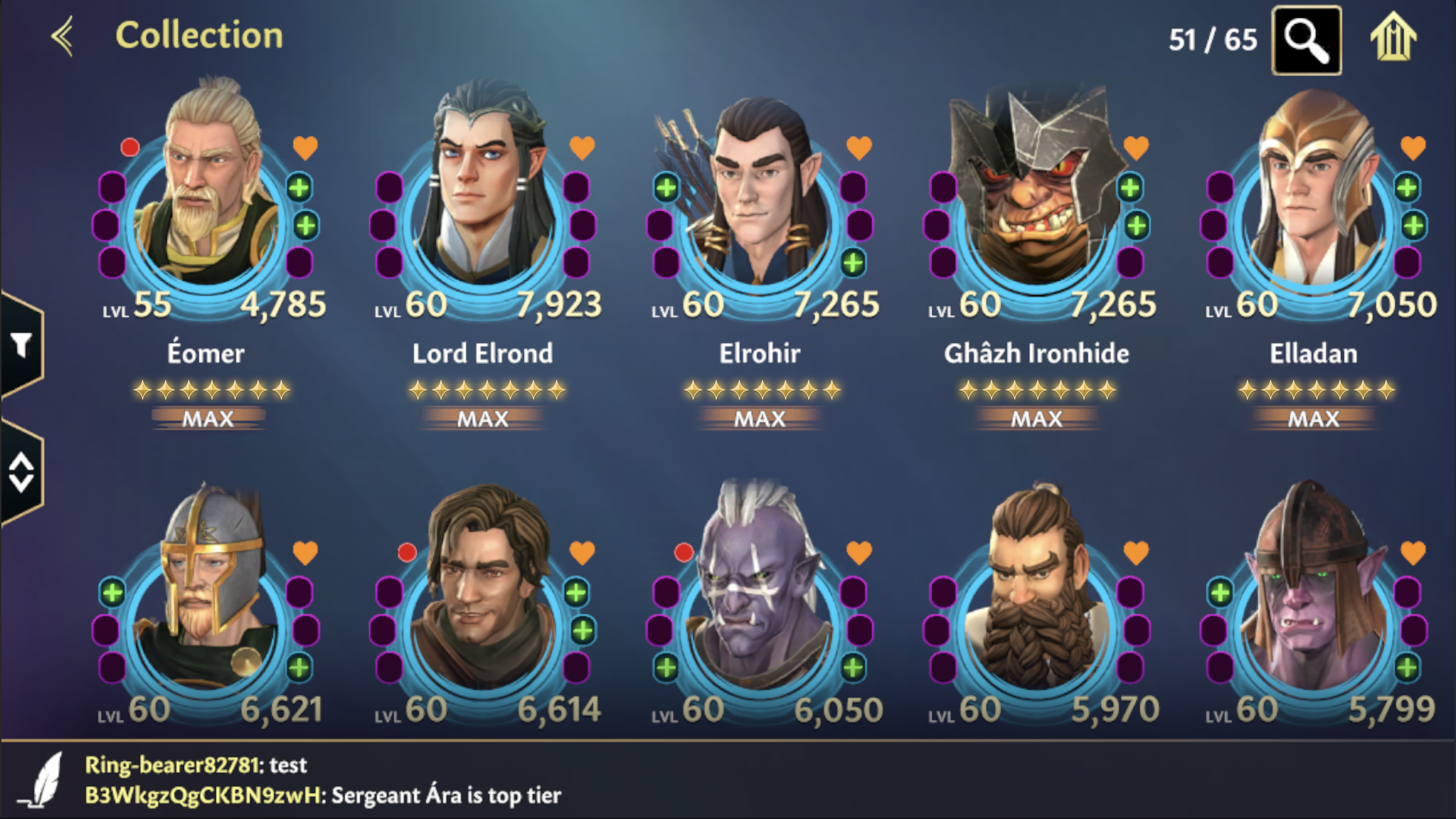
Players had mastered the upgrade loop and hit a wall. Gear, abilities, and leveling all had a ceiling. There was no way to make your heroes feel like yours. Without something new to chase, there was no reason to keep investing.
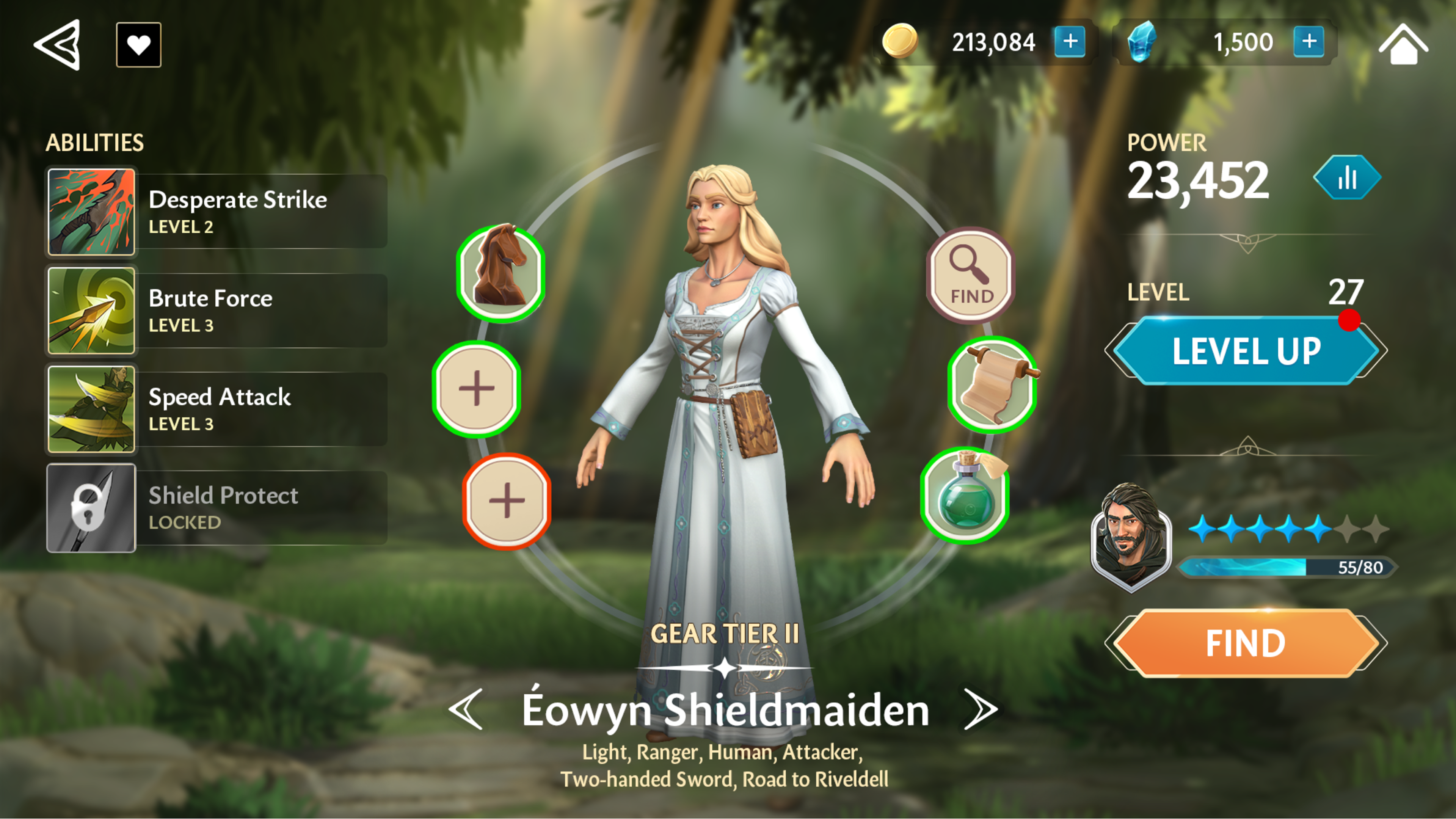
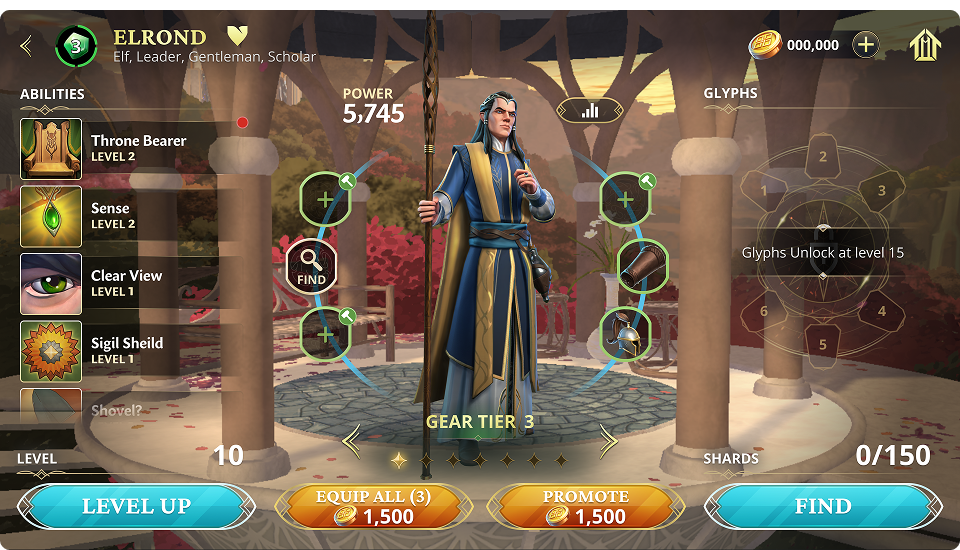
Before — collection screen, maxed heroes with no progression pathBefore — Original UI · No upgrade path
My Decisions

Decisions that gave
depth a shape.

Information Architecture & Research

Verbs. Paths. Architecture.

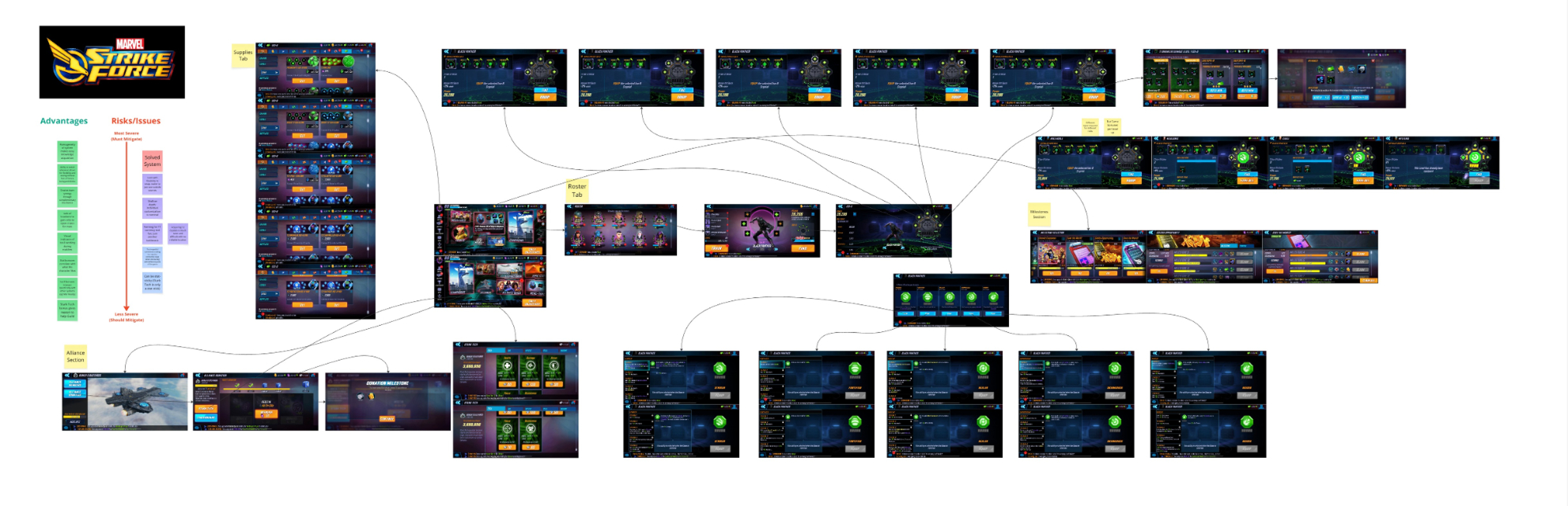
I came into the project without deep knowledge of mobile upgrade systems. Competitive analysis of Dislight and Marvel Strike Force gave me the foundation. I learned how similar systems handled upgrade flows, what worked, and where players got lost. From there I could start mapping our own system.

Strikeforce Competitive Analysis — Miro
Dislyte Competitive Analysis — Miro

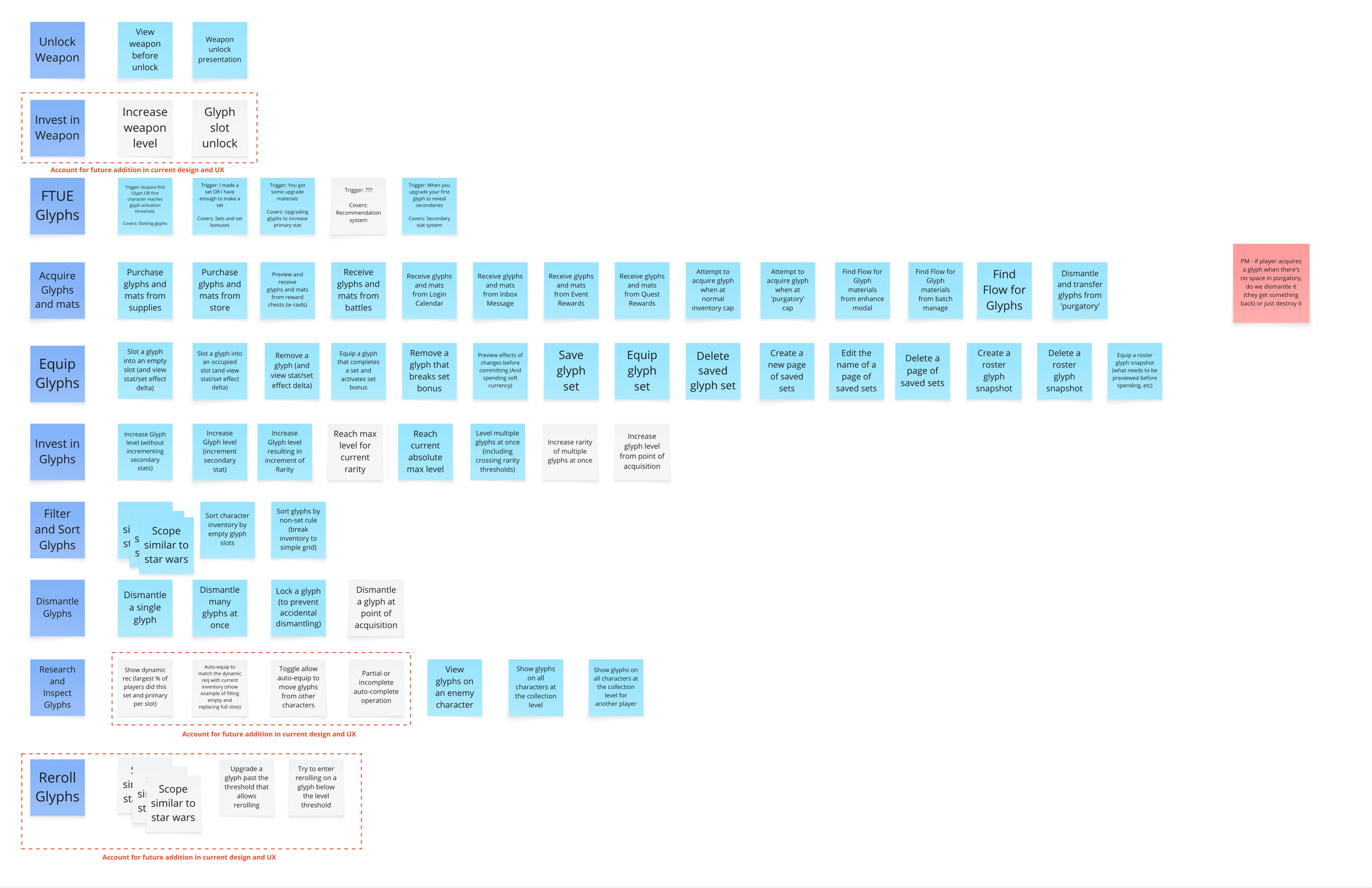
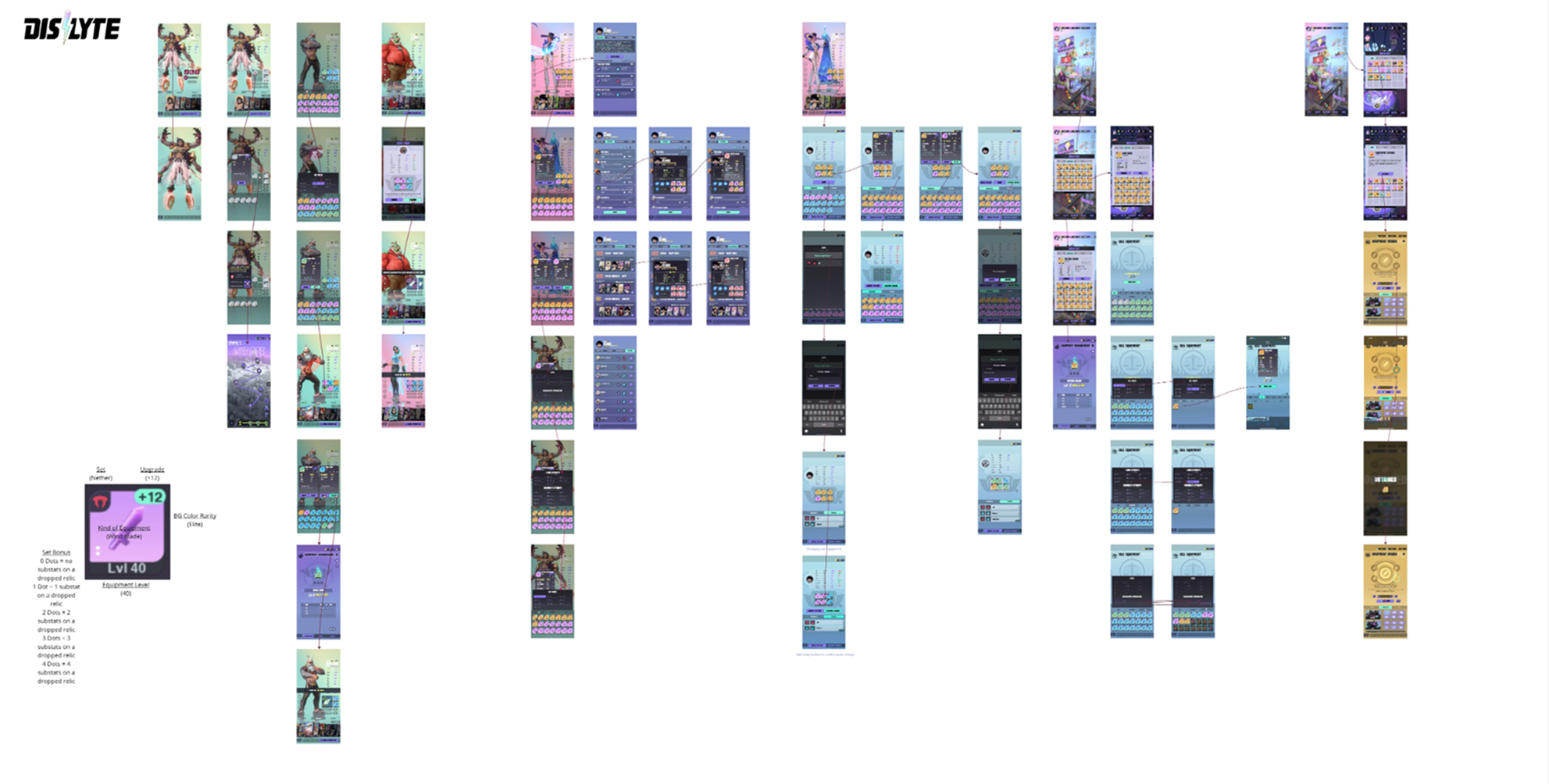
I started with player verbs, every action a player could take within the feature. Unlocking, acquiring, equipping, upgrading, filtering, sorting, selling. Those verbs became a site map. The site map became flows. Flows became the IA. By the time the screens existed, the hard decisions had already been made.

Site Map — Miro
Site Map — Miro
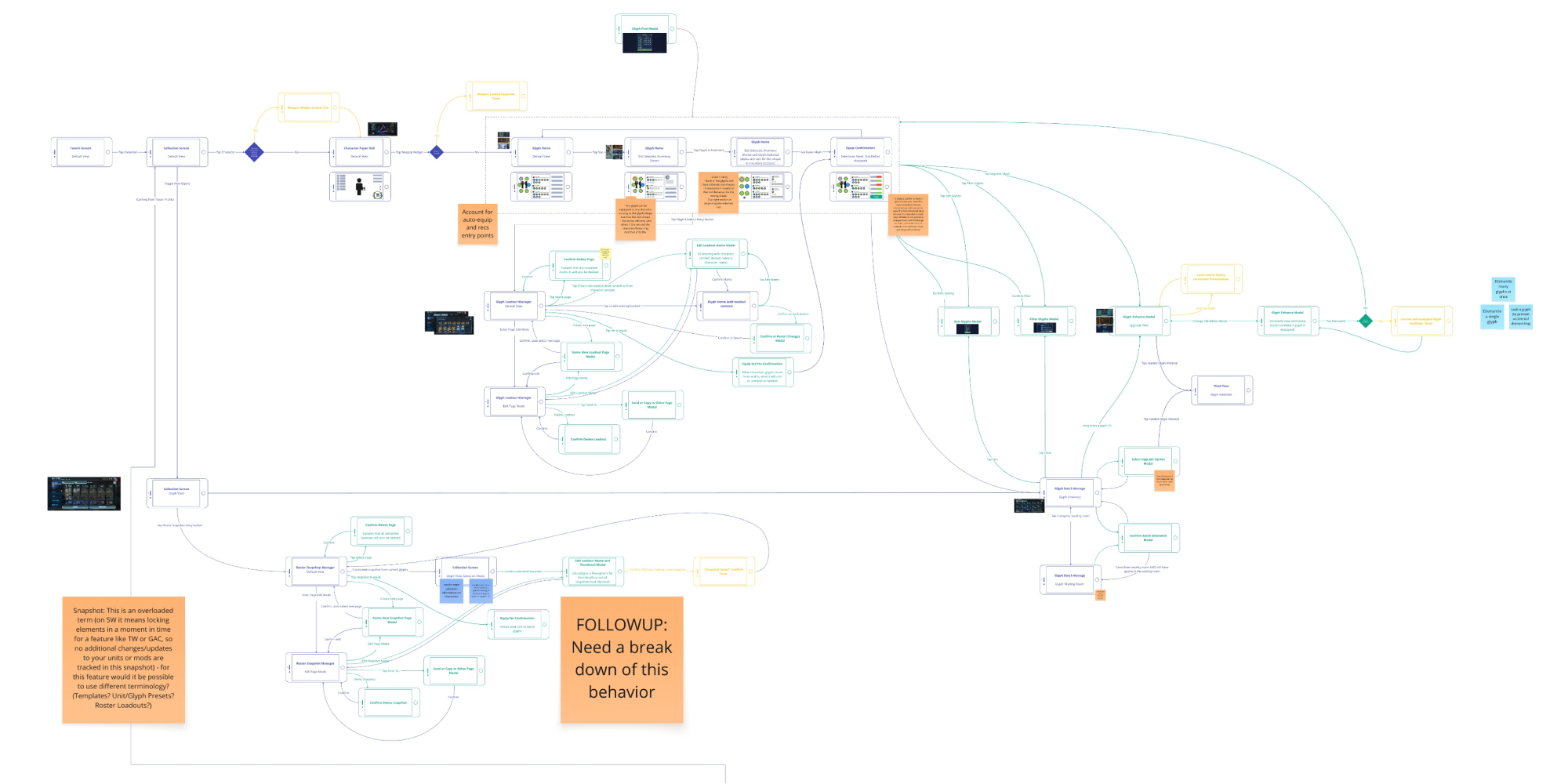
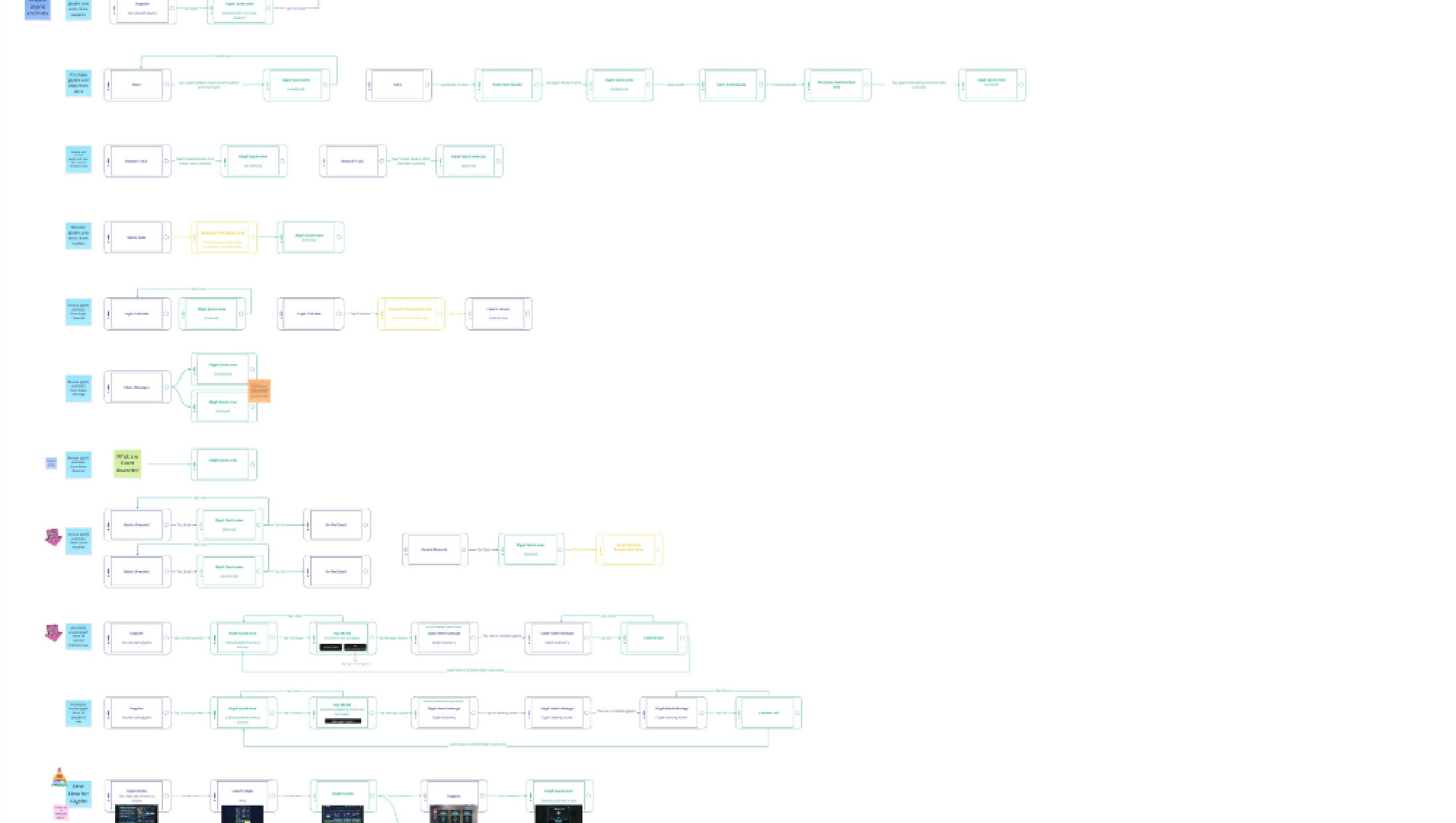
Player Paths — Miro
Player Paths — Miro
UI States

Sealed. Not hidden.

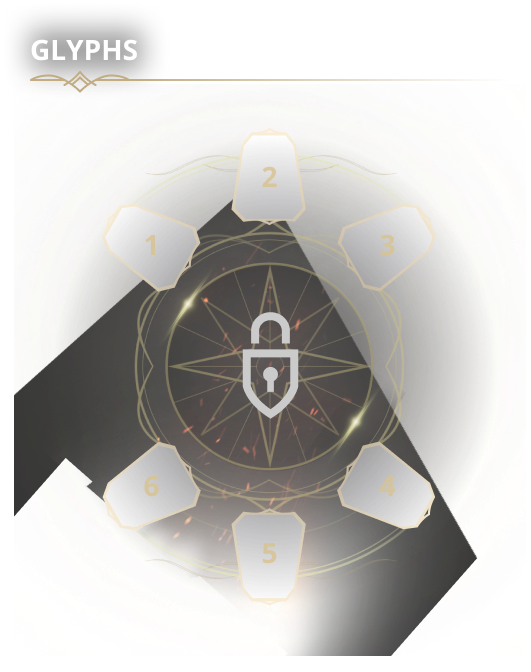
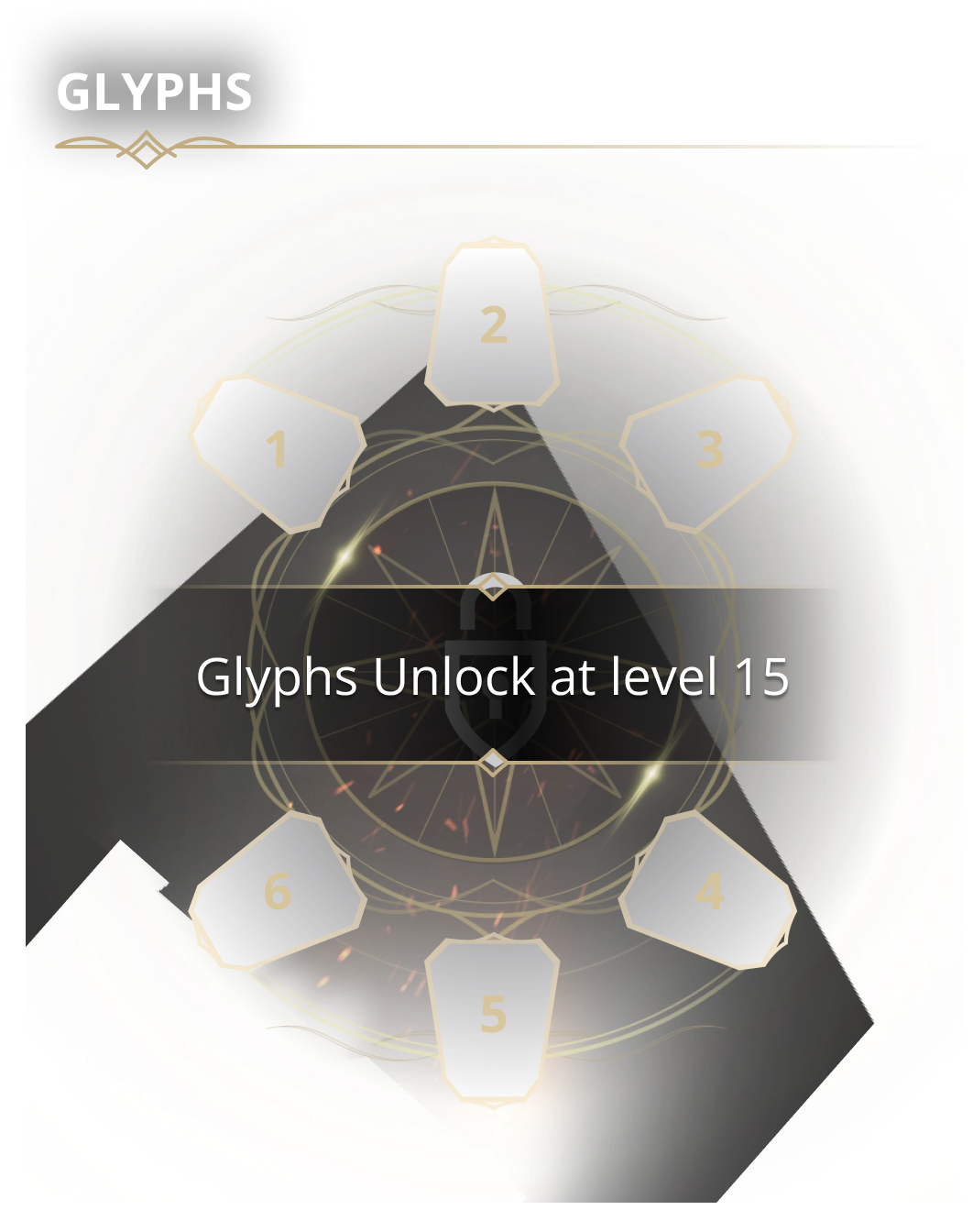
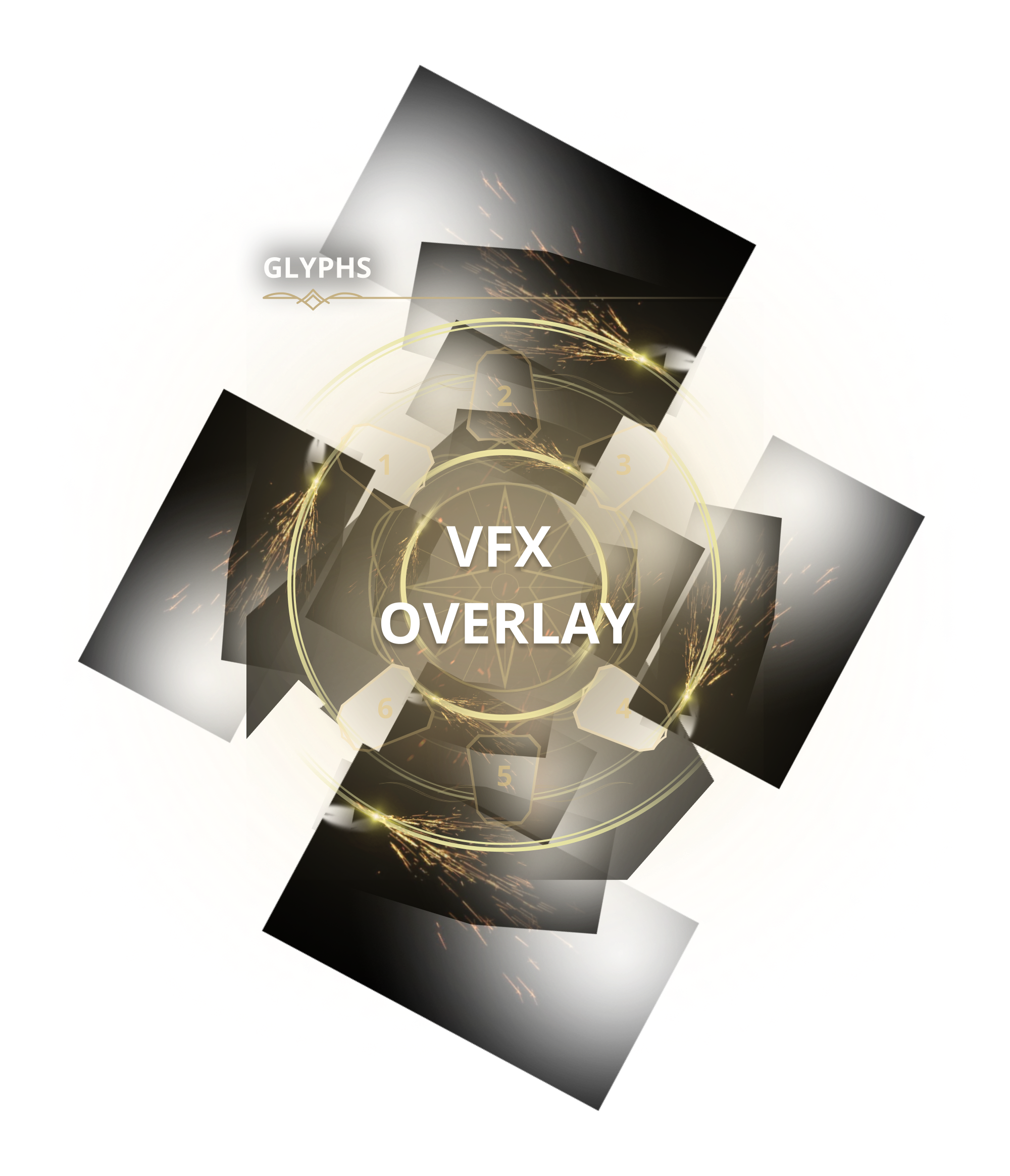
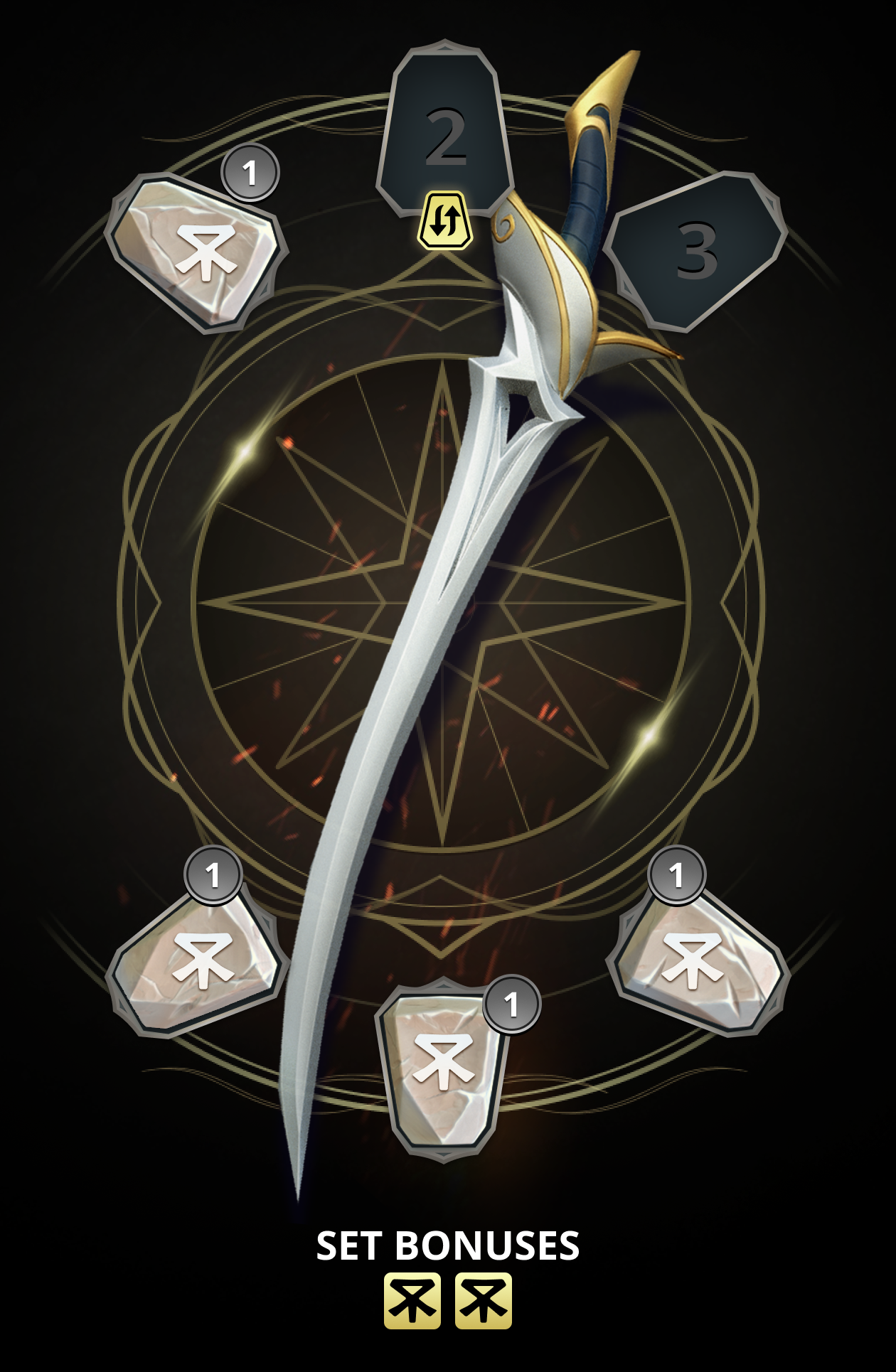
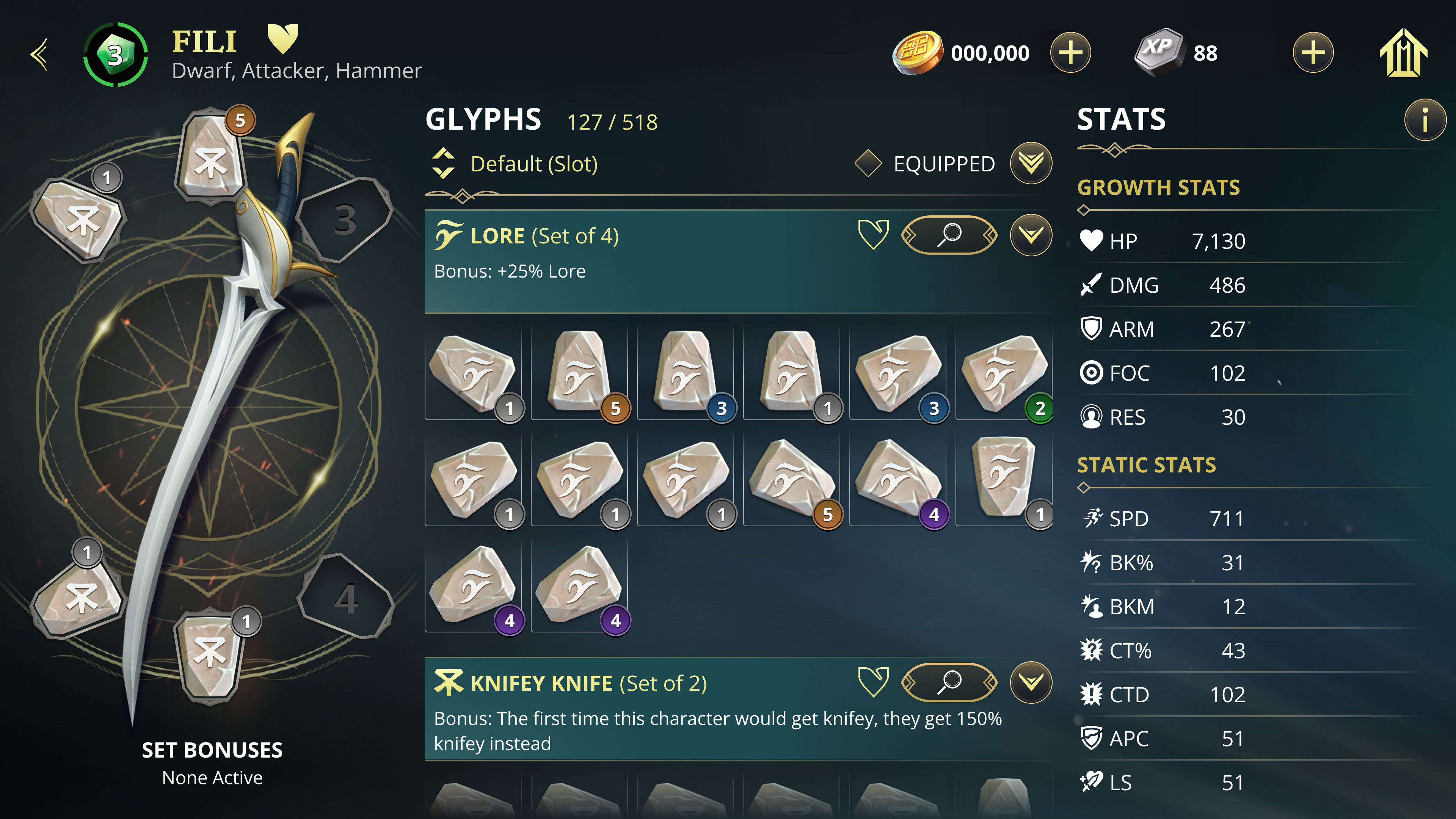
After the full Relic system was built, I stripped it down to its bare bones to build the pre-unlock state on the hero detail screen. Slot shapes with a lock icon in the center and a single tooltip were all that was needed. The visual effects fired when the player came back to the screen at level 15 or higher.

Final States
Locked state
Locked state
Pre-unlock preview
Pre-unlock preview
Unlocked
Unlocked
Interaction Design

One shape. Every slot.

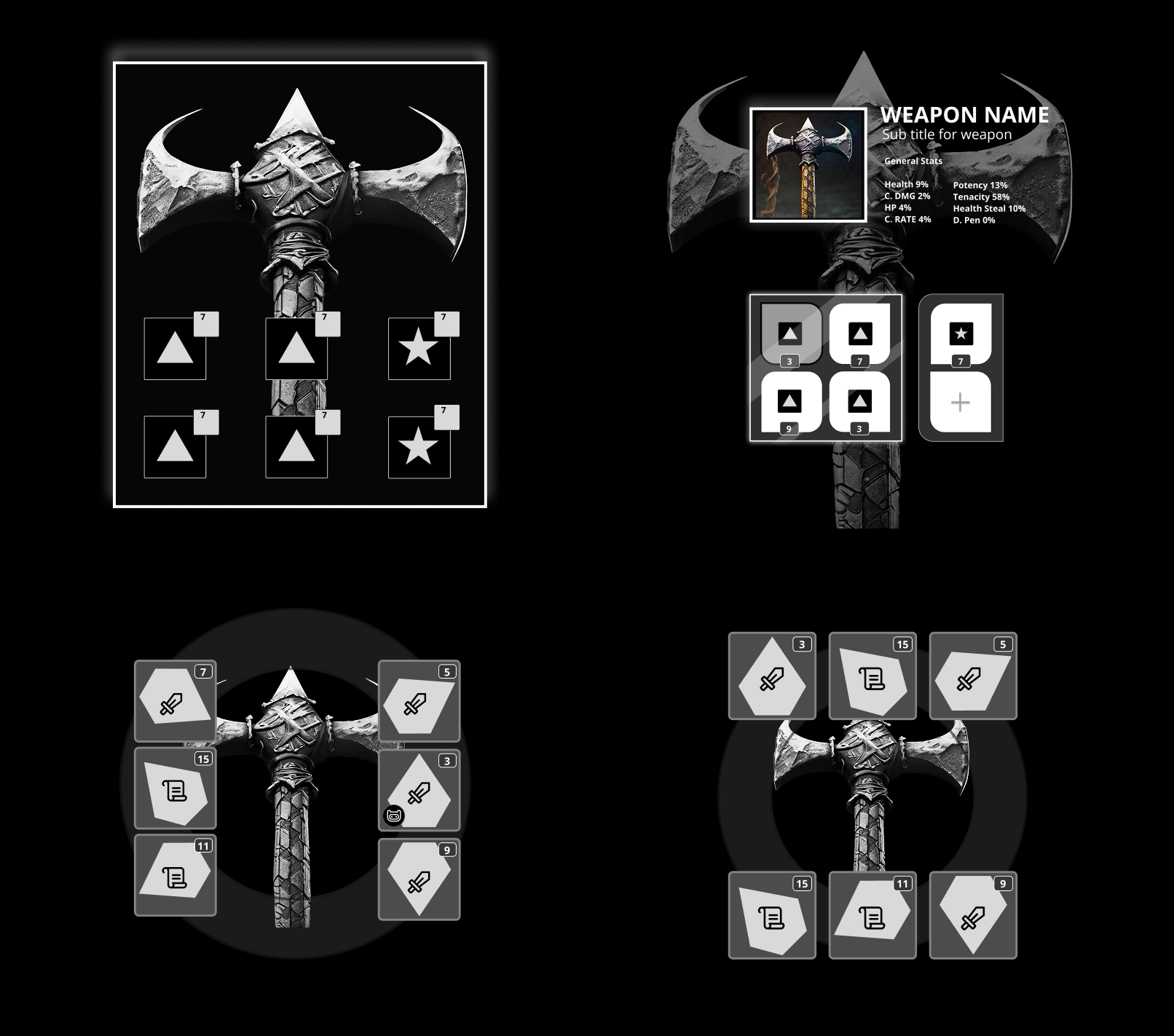
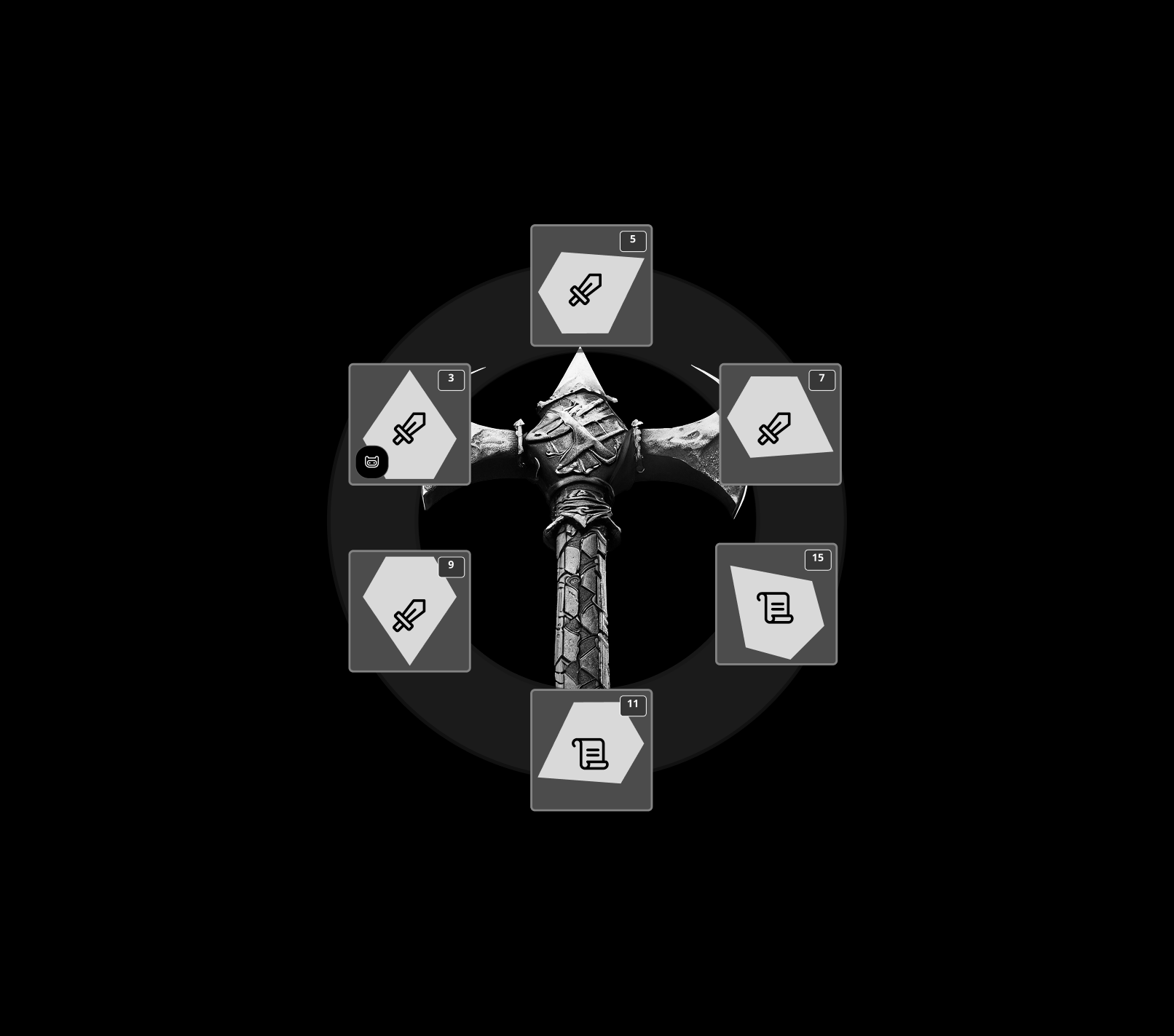
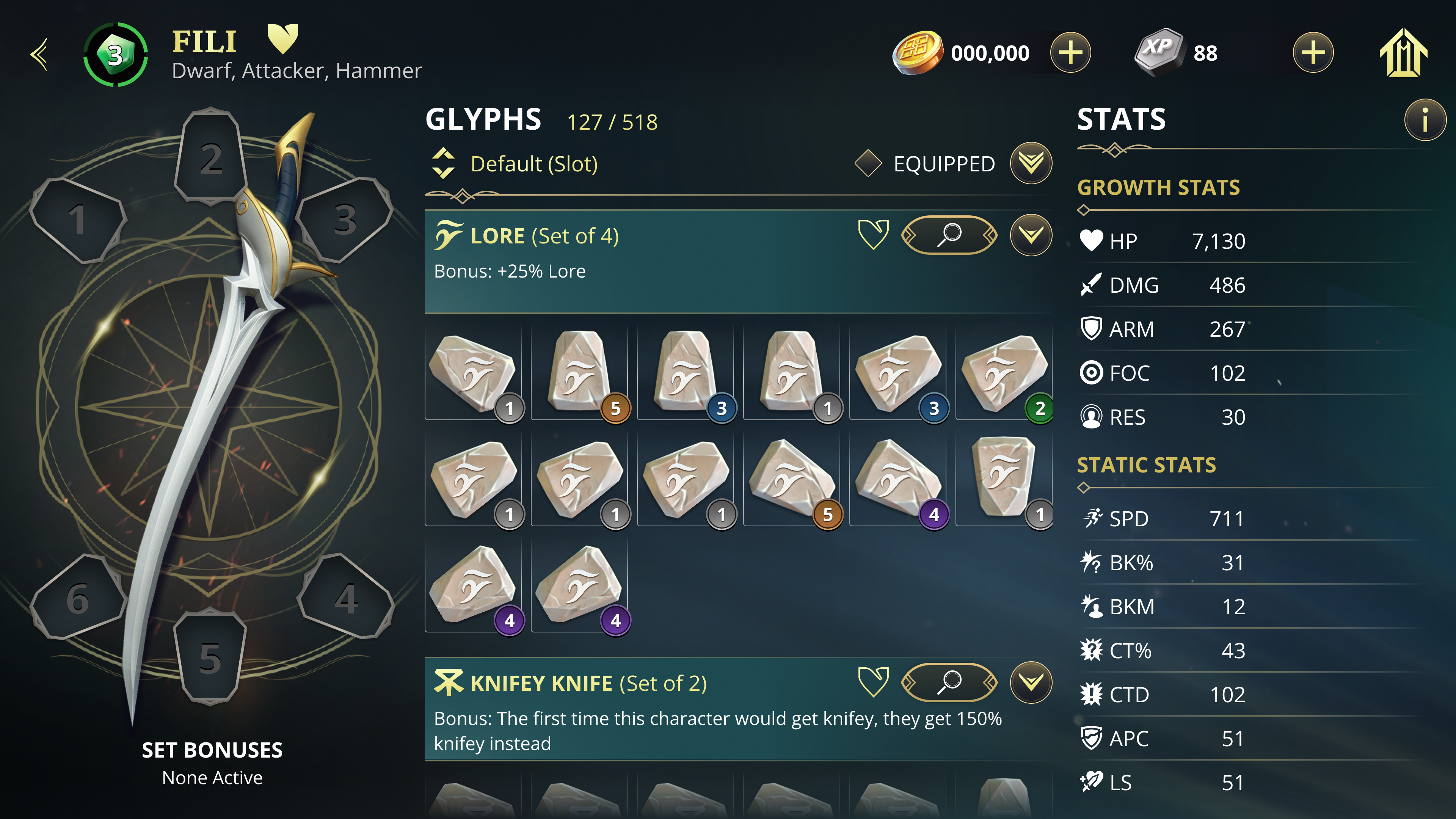
We knew early the Glyphs needed to look like carved stone, something that felt like it belonged in Middle-earth. The real design problem was how to arrange six slots around the weapon in a way that felt natural and readable. I iterated through gray box wireframes and sketches until the circular arrangement landed. Once the layout felt right, I built it responsively in Figma so I could swap configurations and test quickly. The far right image is the final gray box configuration. From here it was connected to the design system and shipped.

Gray Box Iteration
Gray Box Iteration
Final Configuration
Final Configuration
Collection Management

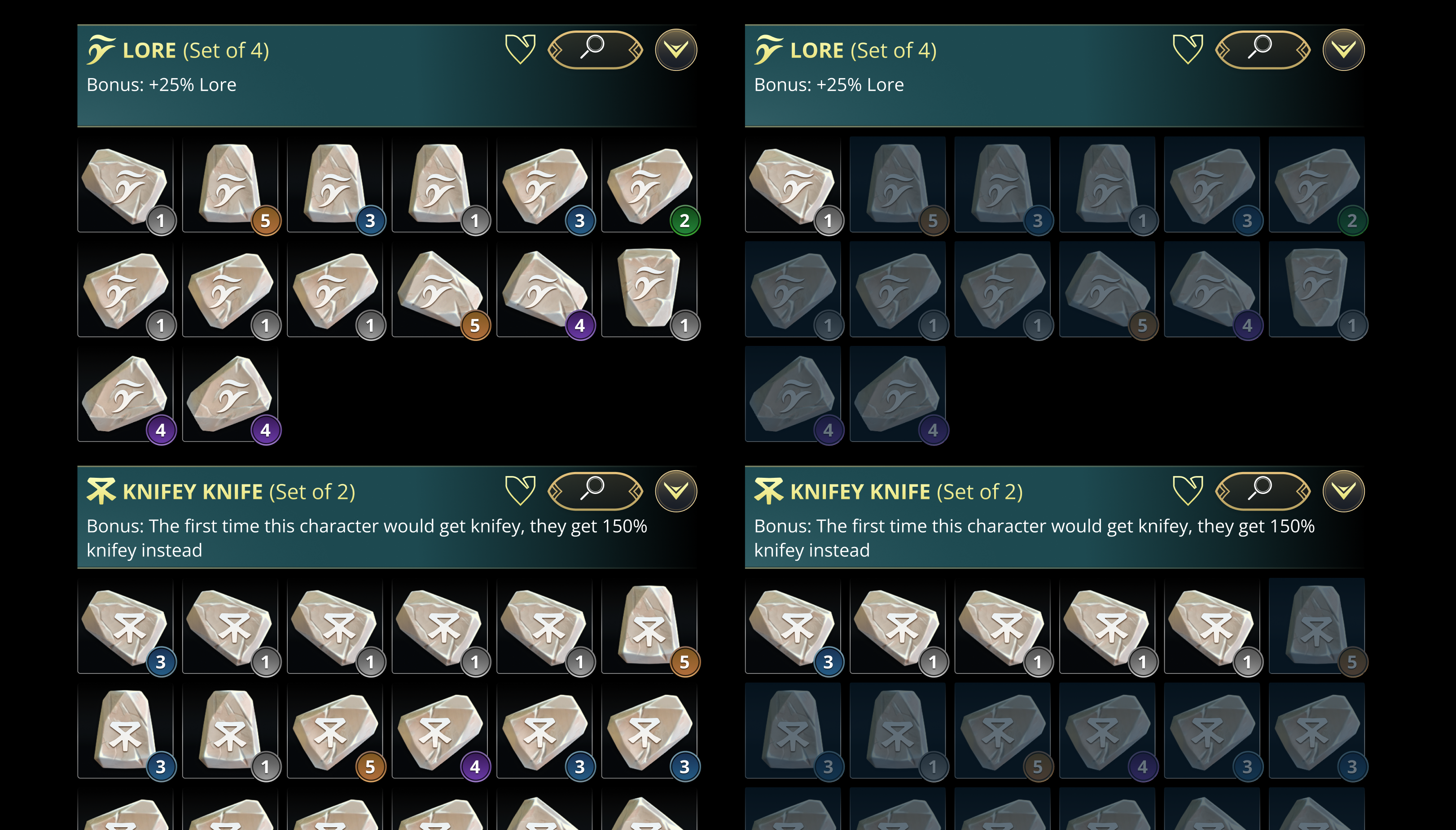
Sets were the right filter.

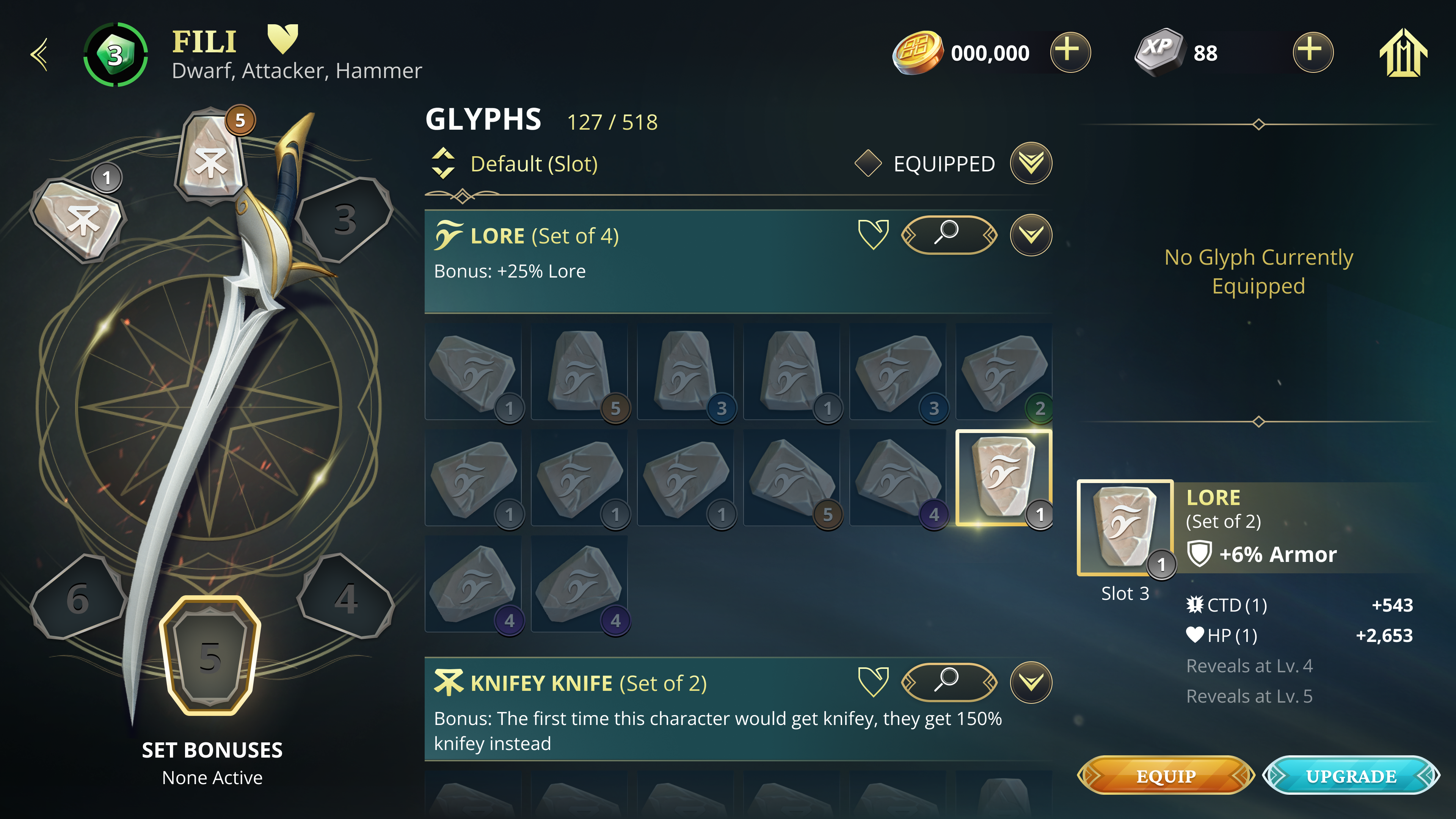
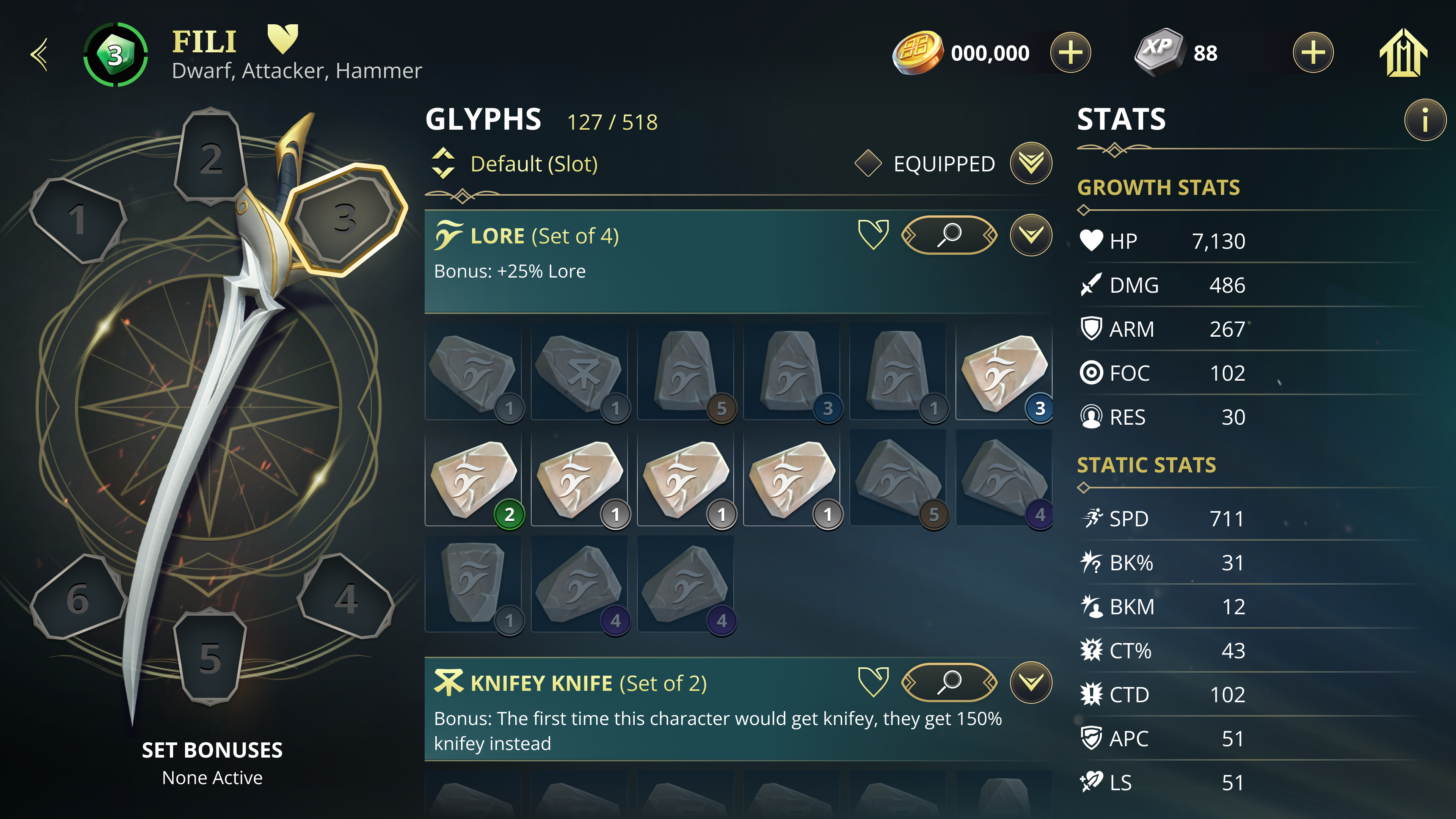
Sorting by rotation added a layer of complexity players didn't need. I figured that out early through sketching. Combining all rotations within a set removed that layer. Equipping and removing Glyphs between the inventory panel and the Relic UI became seamless and intuitive without a tutorial.

Collection Management
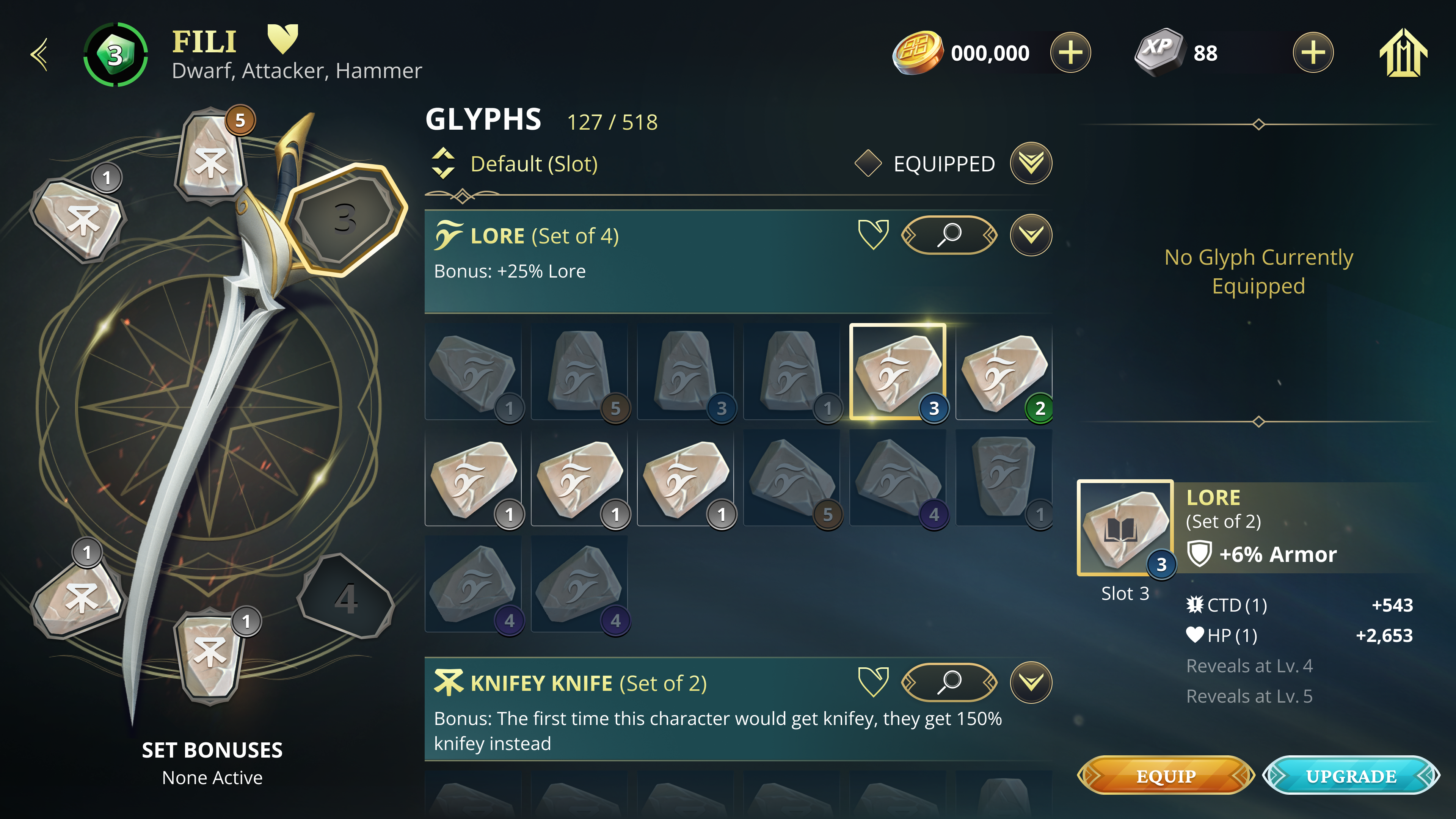
Tap Glyph in Inventory when nothing is selected
Corresponding slot selected
Equip Glyph in an Empty Slot
Tap the empty slot in the weapon widget
Empty slot selected
Empty slot selected
IA / Wireframes

No surprises.

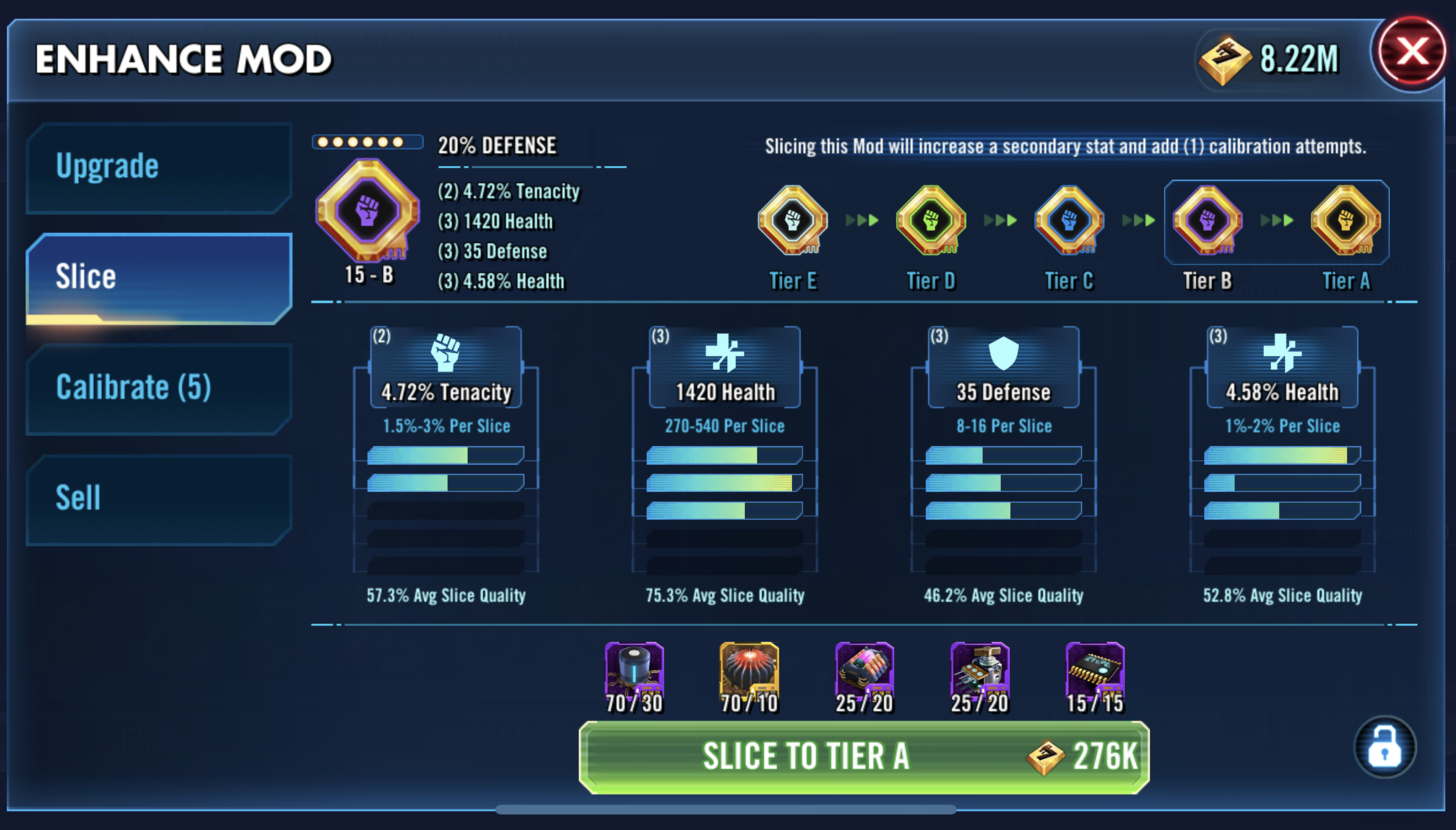
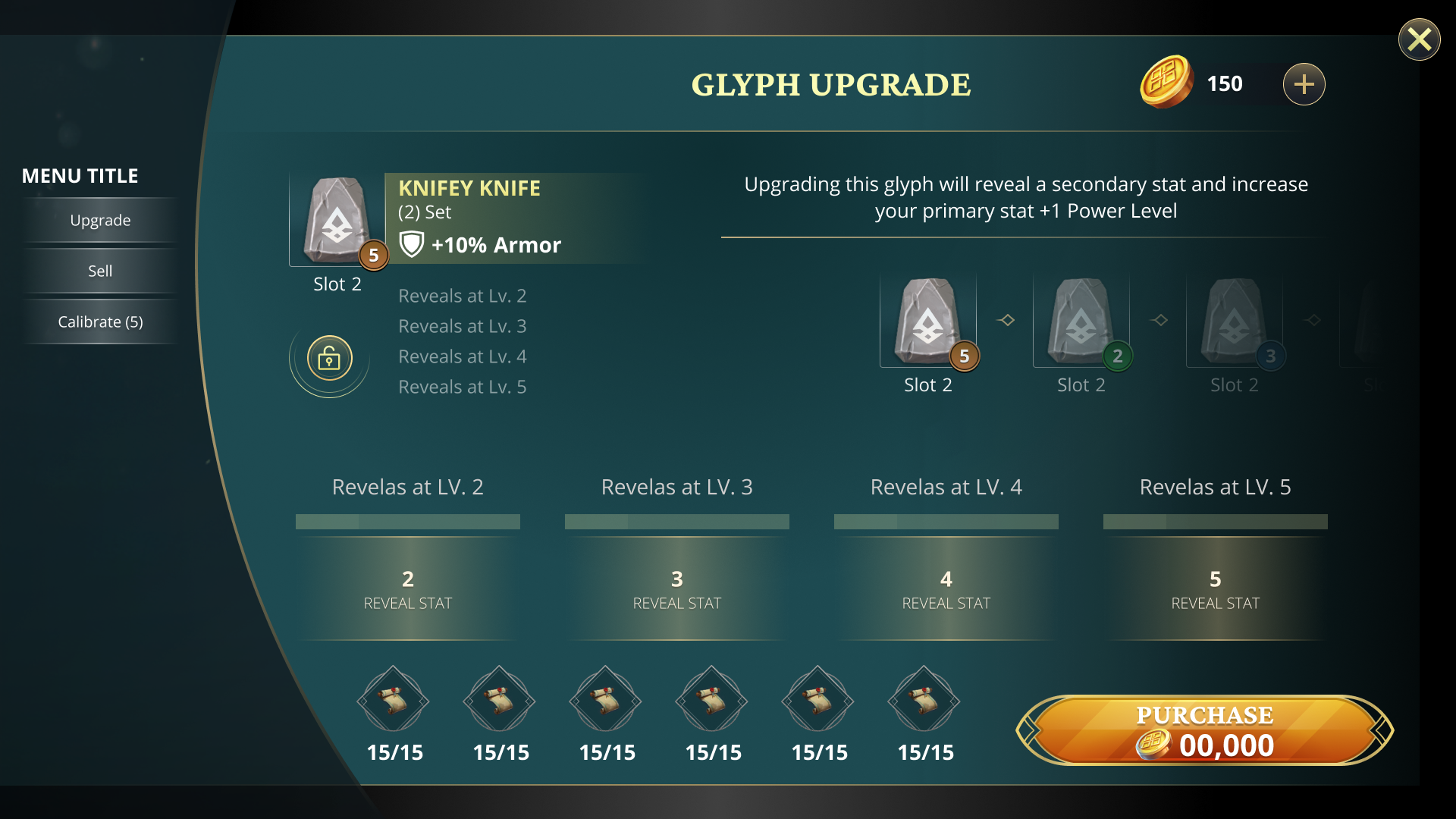
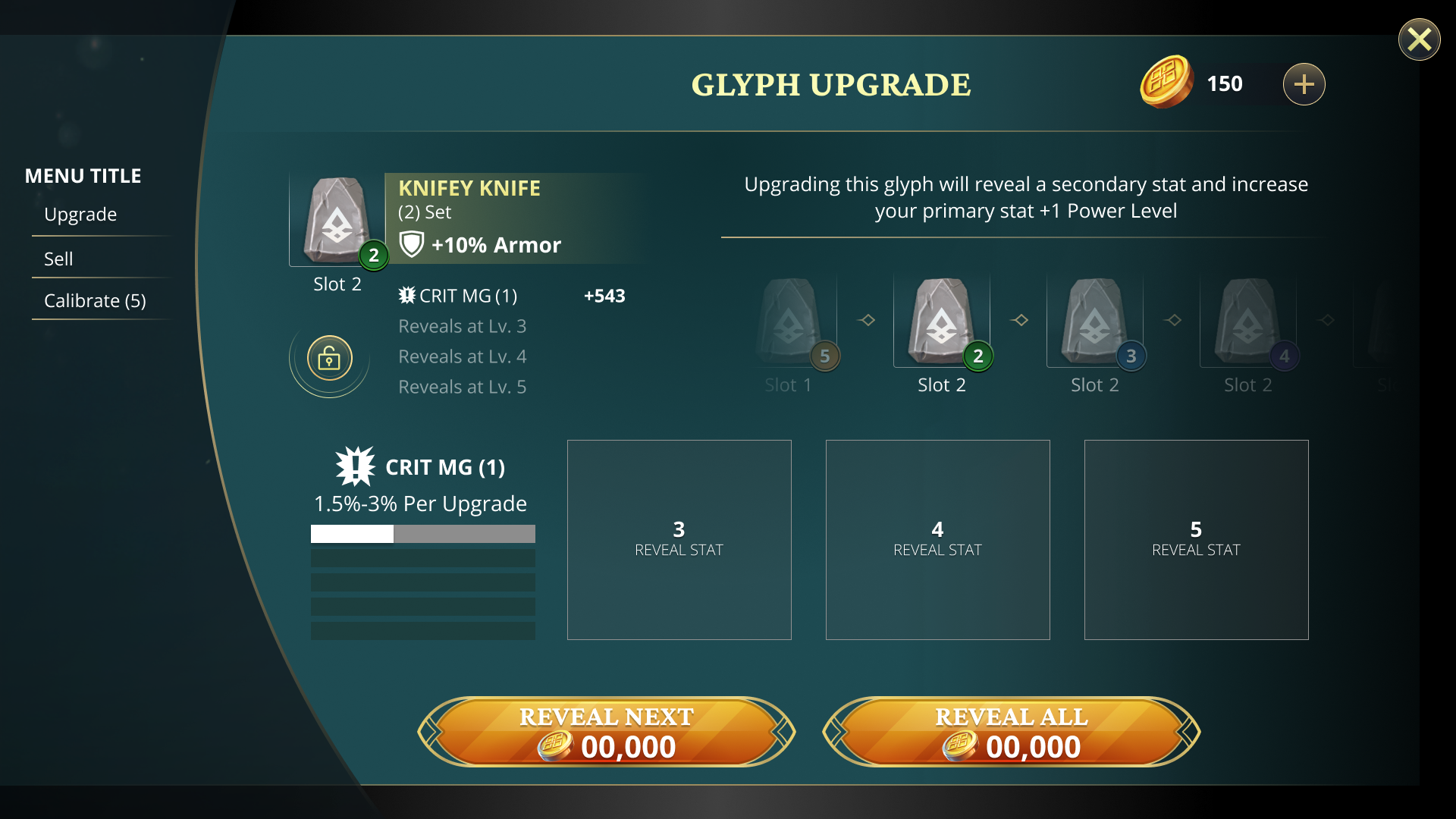
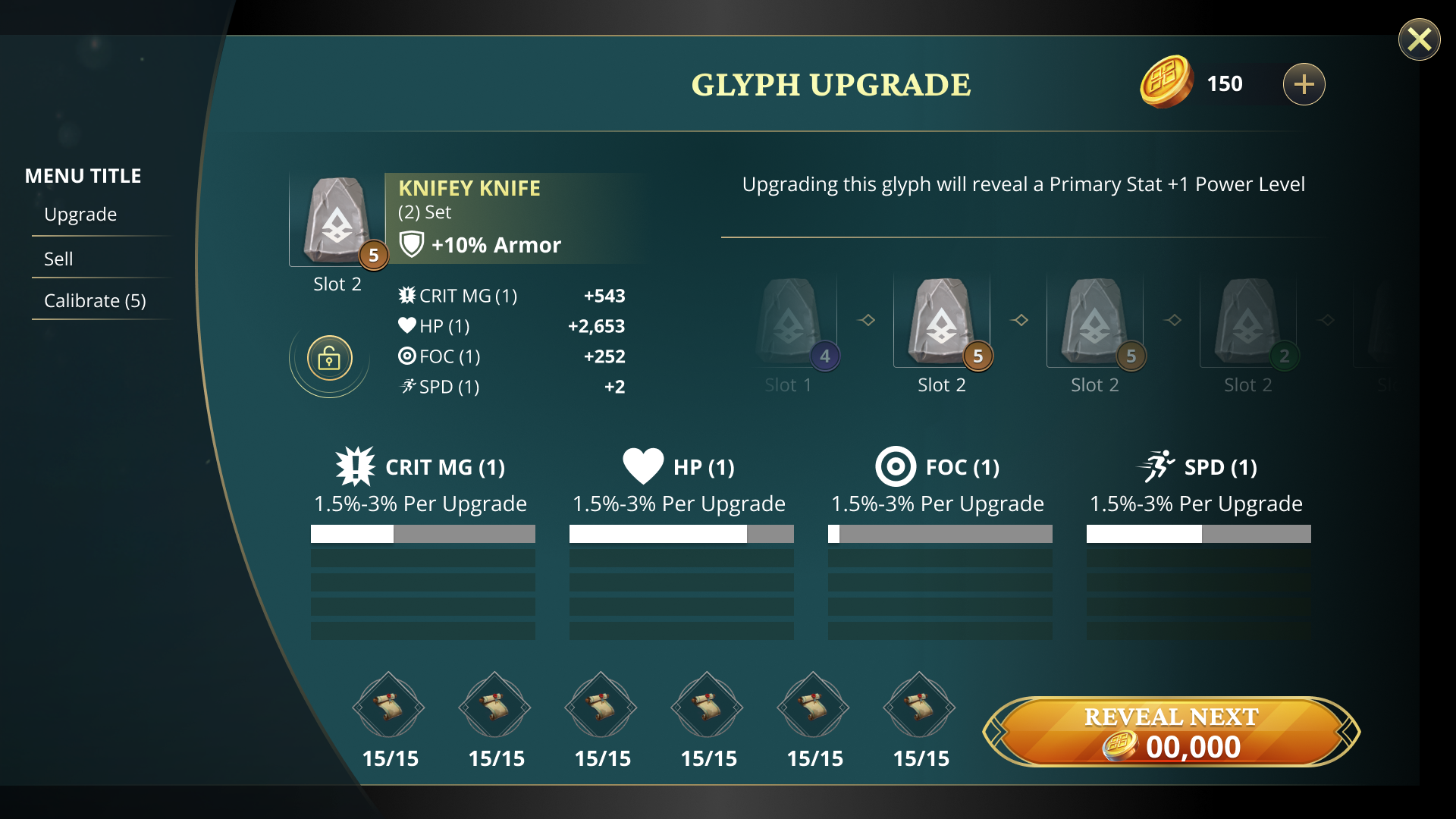
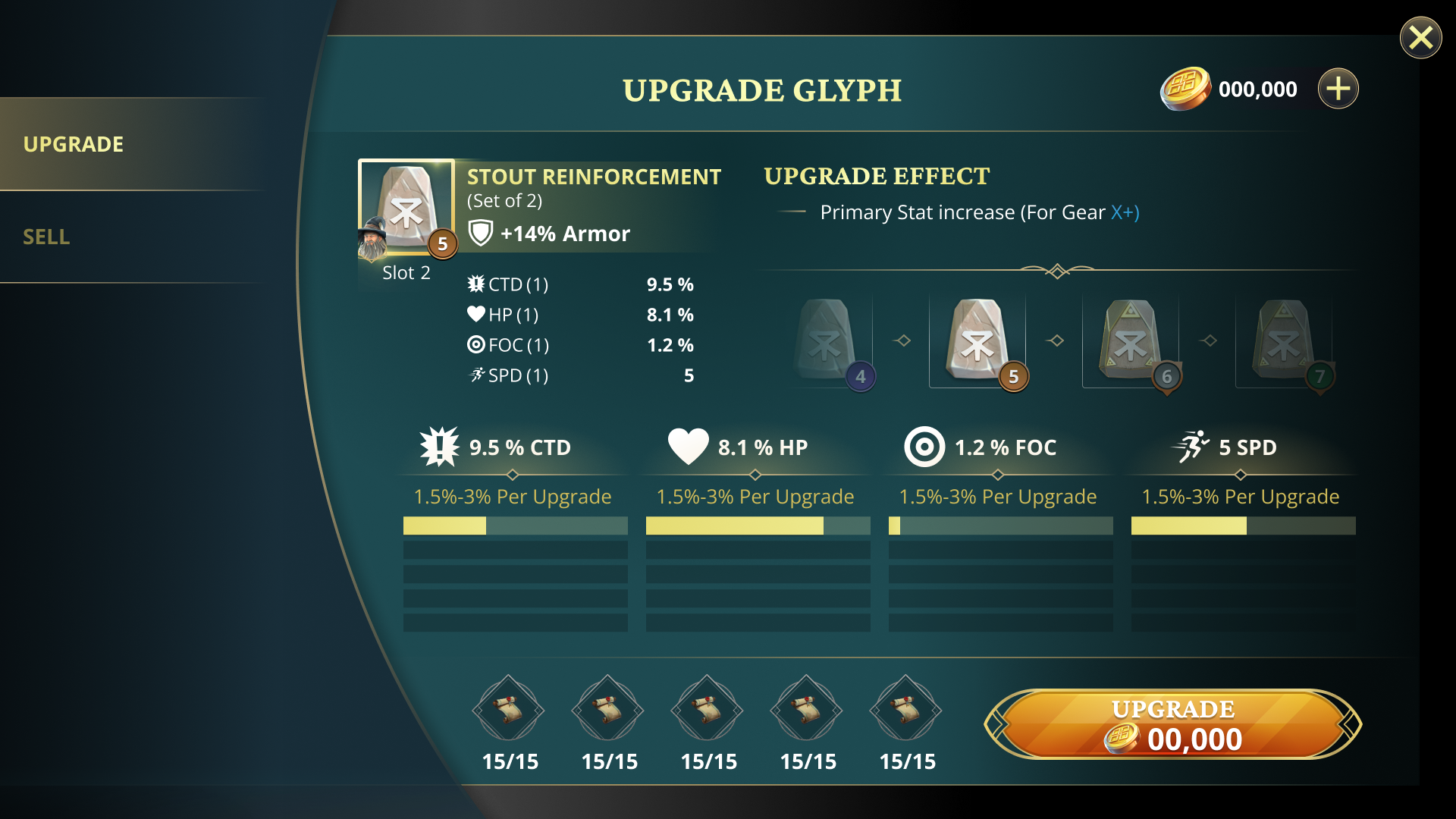
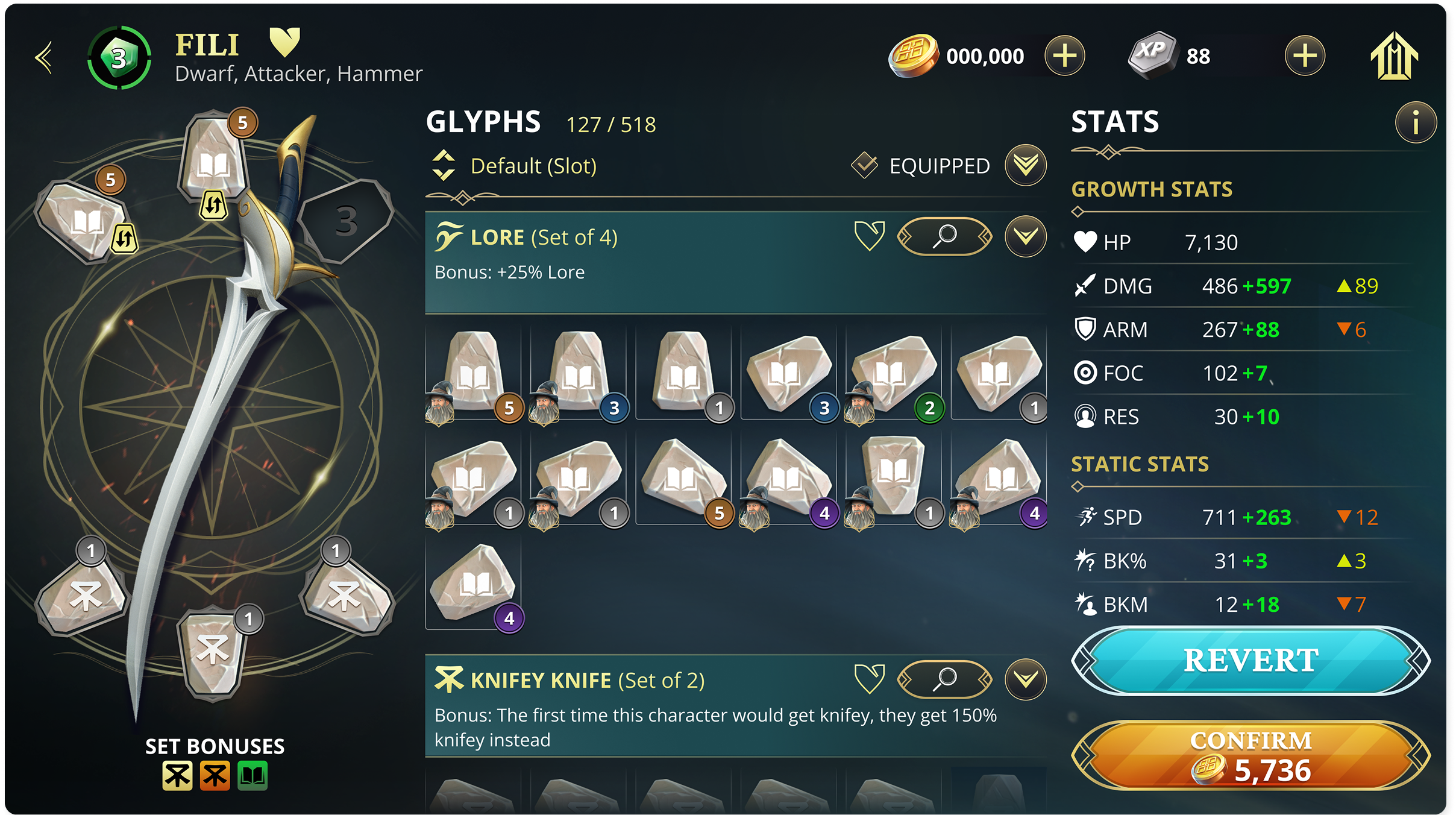
I used the Star Wars Galaxy of Heroes upgrade screen as the reference for the stat reveal system. The tech was already built. I mapped our system to it and iterated through versions of the screen until it became the final Glyphs upgrade UI.

SWGoH UI
SWGoH Enhance Mod Reference UI
Iterations Through Final UI
Blocking Out Reveal Stats
Blocking Out Reveal Stats 2
Blocking Out Reveal Stats 3
Final UI Polish
Final UI Polish

The Craft Moment

Intention first.
Everything after had to earn it.

Stone to Gilded.
A new stat revealed.

Every Relic.
Every slot.
Every state.

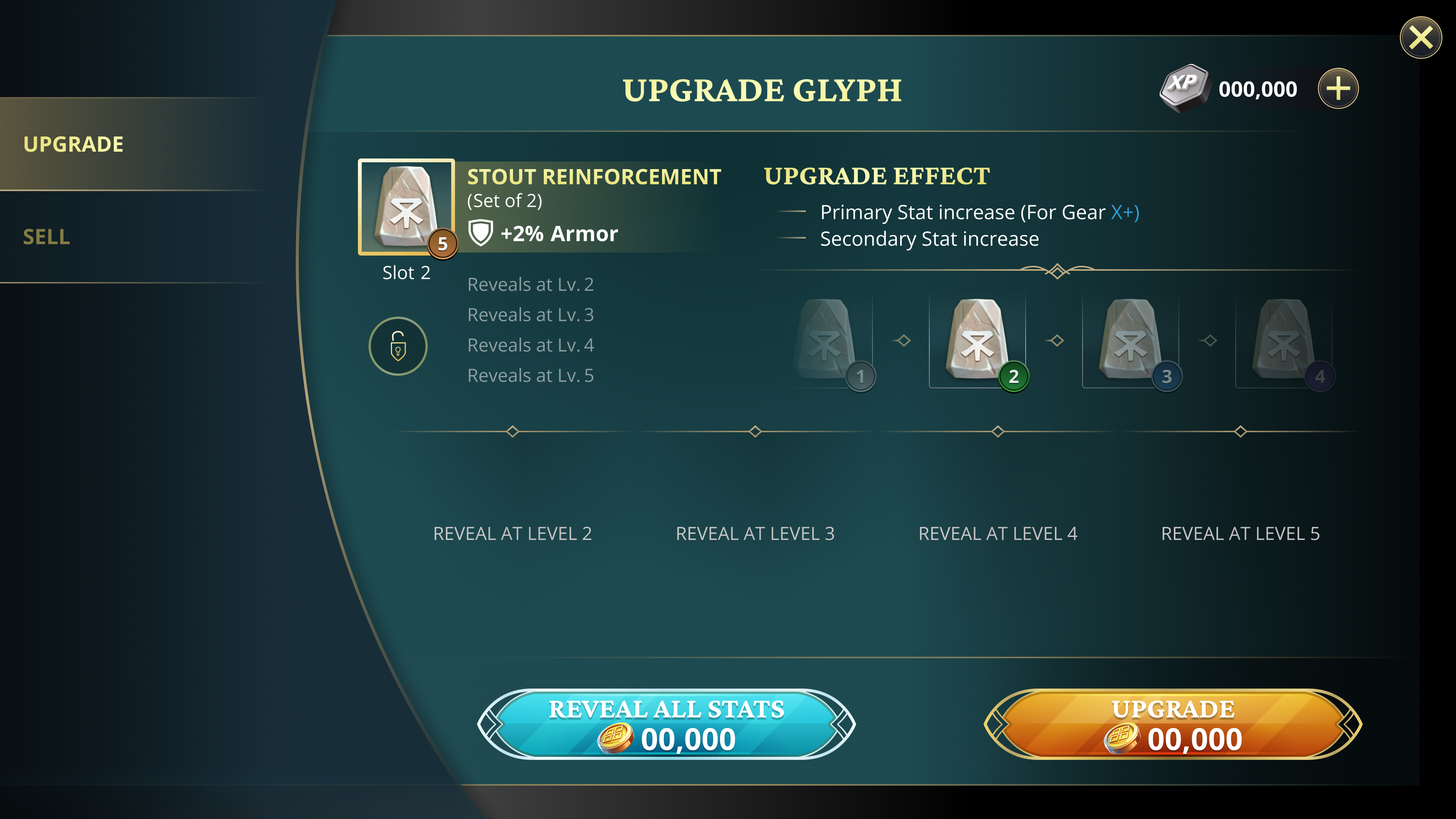
Two moments in the upgrade flow had to communicate a real change. I designed the layout and intention for the level 5 to 6 quality shift and the secondary stat stack reveal, then critiqued the vendor's animation until both landed. Players needed to see exactly what changed and feel like it mattered.

Glyphs and Relics required pixel-perfect Figma components for every Relic slot configuration across the roster. I built them to communicate directly to art and engineering, not as references, but as the source of truth. The files weren't references. They were the build.

Glyph inventory — set filter

Results

Built for years.
Learned in minutes.

Glyphs and Relics gave mid-game players a new reason to invest and veterans a system deep enough to optimize for years. Live Ops shipped the first monthly store cadence on schedule.

Heroes stopped being interchangeable

Build identity became real. Every loadout a choice.

Live Ops shipped on schedule

The monthly store cadence launched with the system and held.

Players could experiment without regret

Confirm, revert, and stat deltas removed the fear of commitment.

Motion polish that most games skip

Animation reinforced every upgrade decision instead of decorating it.

Full-width Glyph home screen
Before — collection screen, maxed heroes with no progression path
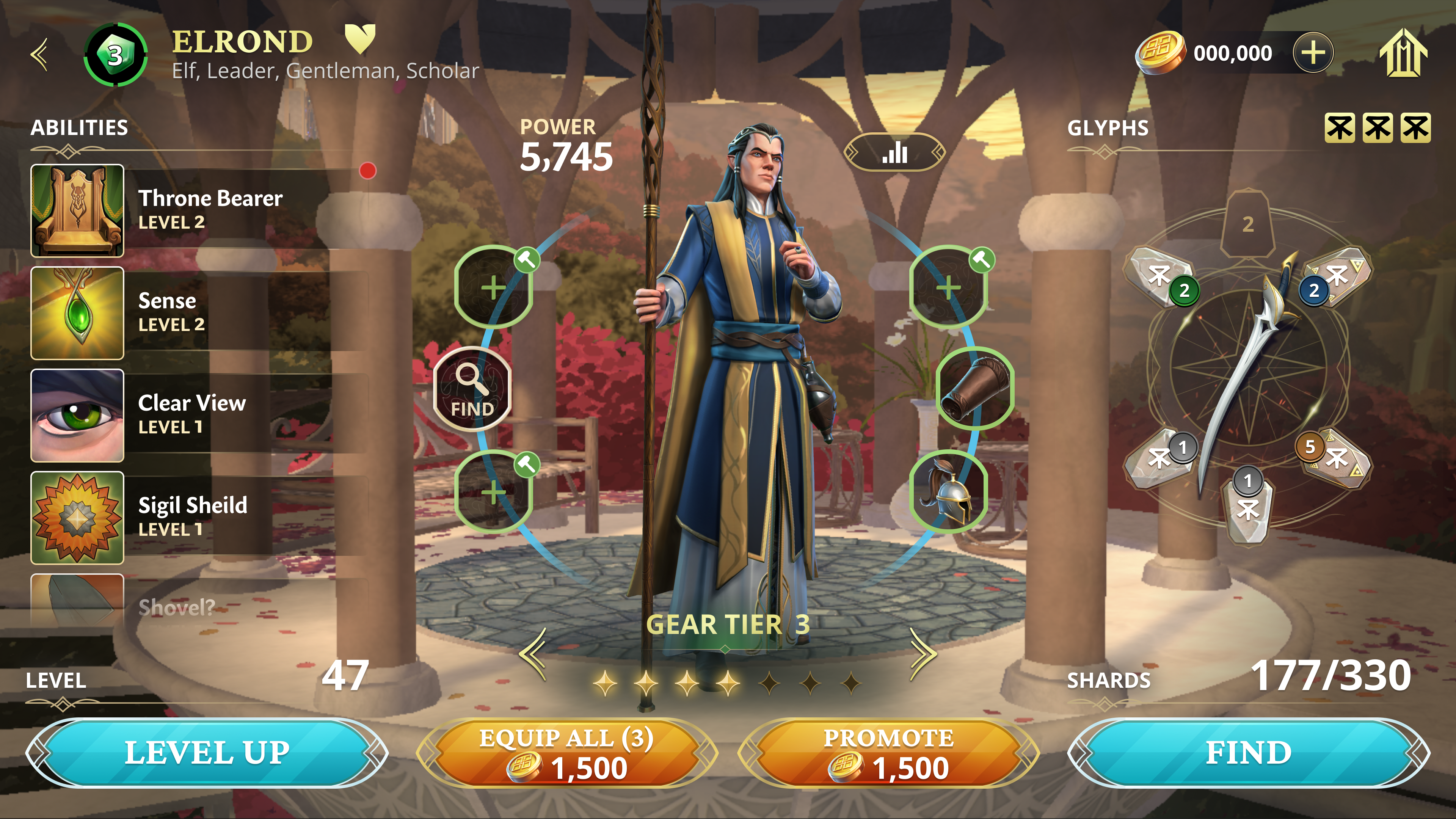
Elrond hero screen — Glyphs equipped
Upgrade Glyph screen — stat increases
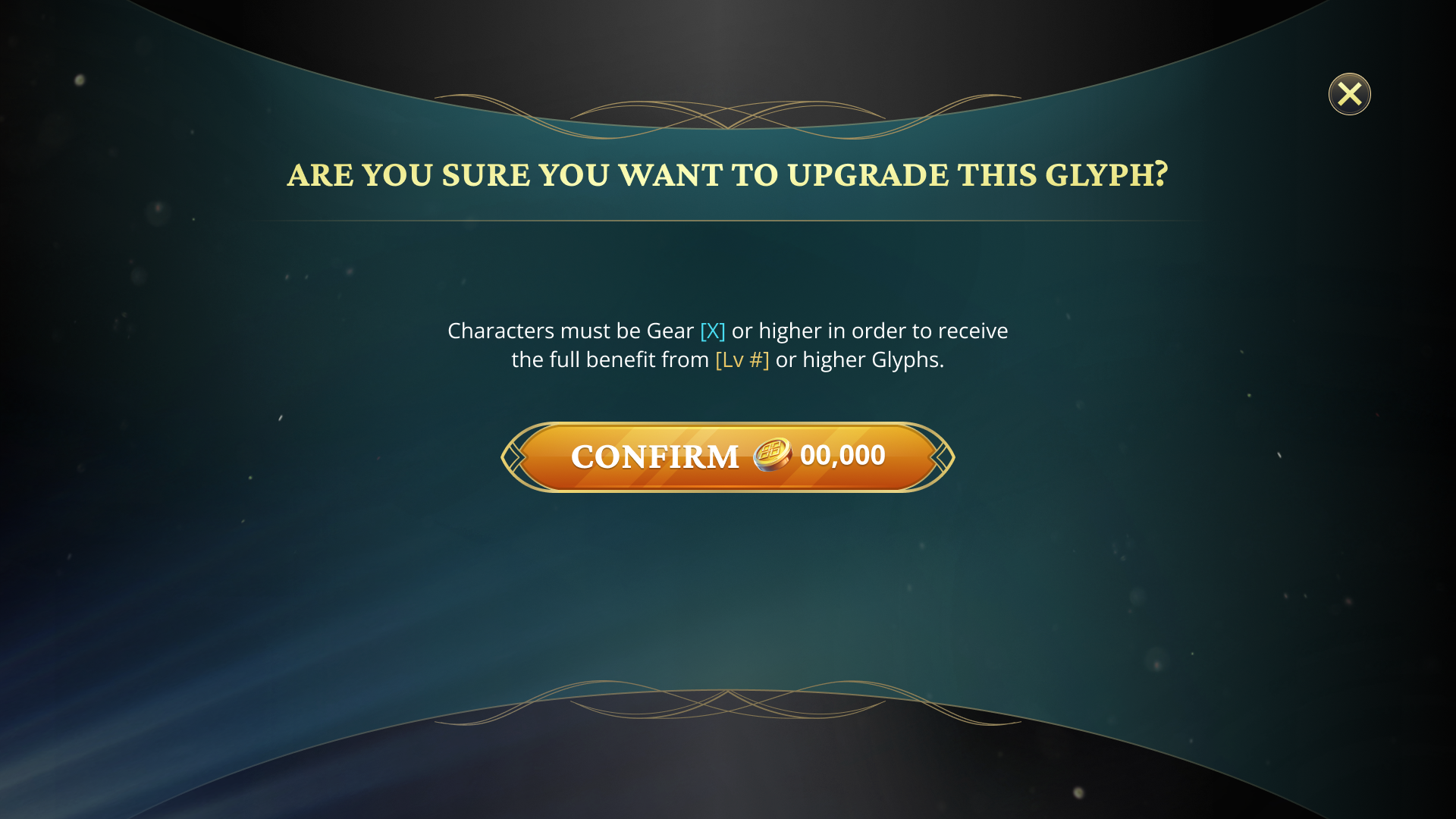
Upgrade Glyph confirmation modal — gear tier requirement

Complexity isn't the problem. Confusion is.

Episode TrackWaypoint